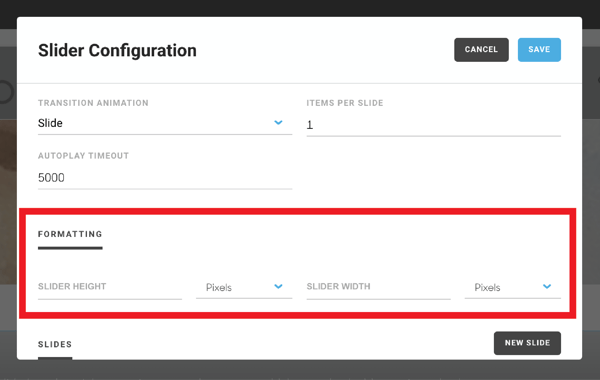
You can add an image slideshow to your website using the slideshow block in the Website Builder.
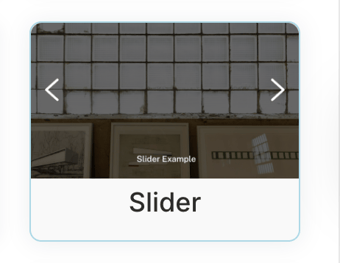
First, drag the slider onto your page.
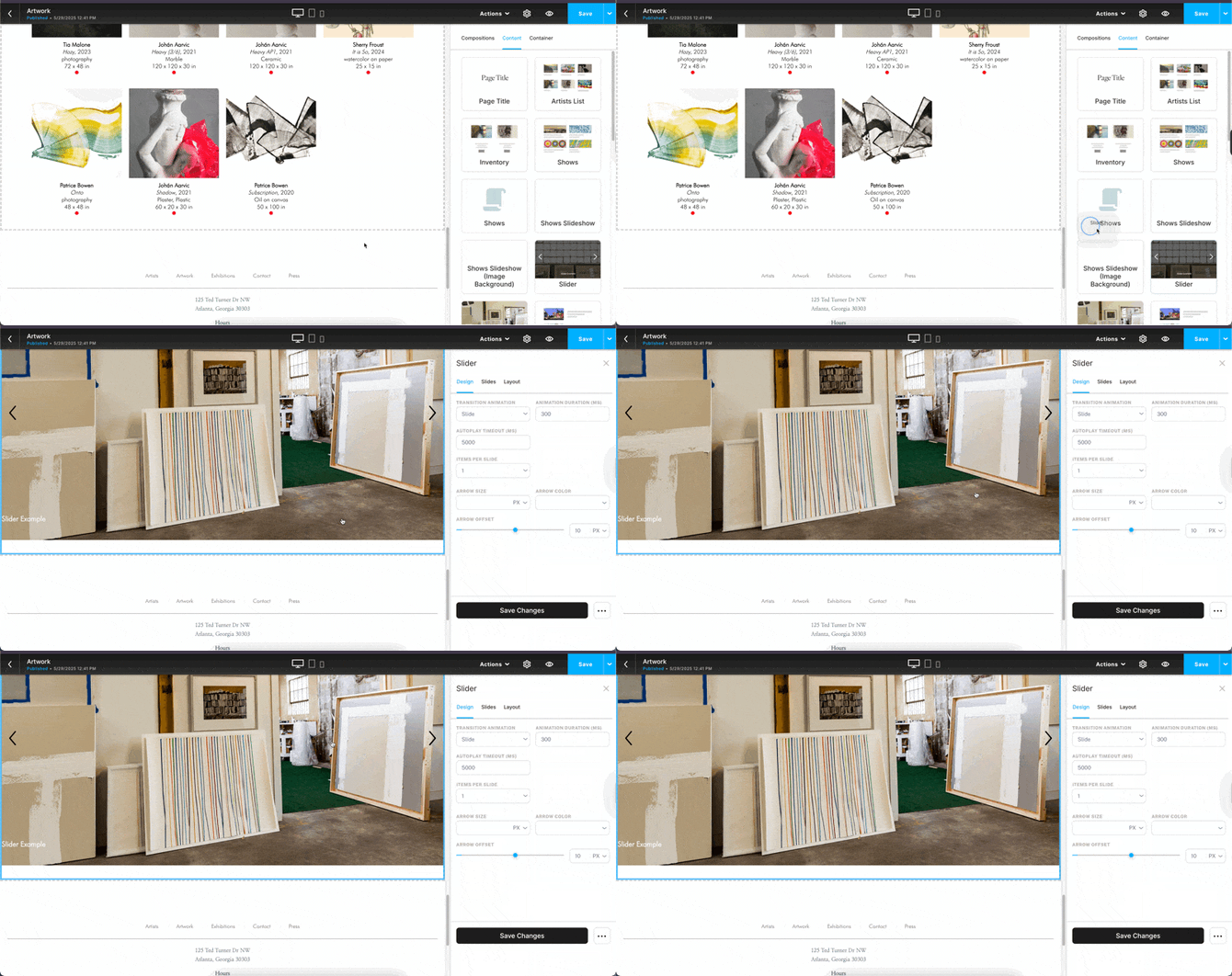
Next, click on Slides and click the Add Slides button.
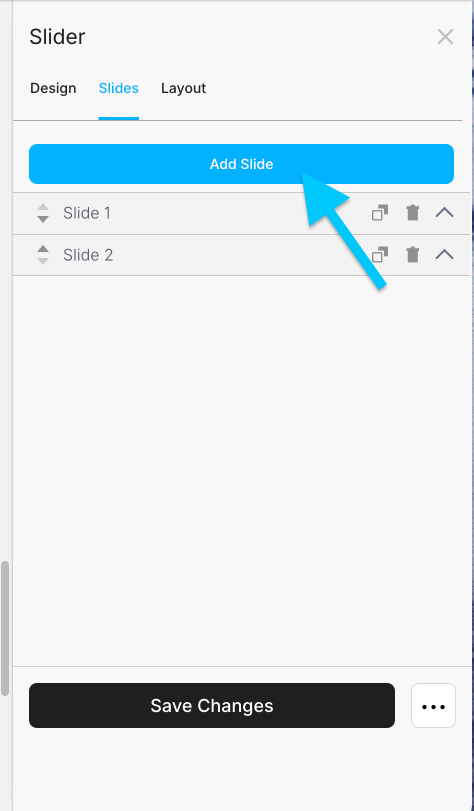
Doing so will create a field where you can add the image for your slide, as well as the slide image's dimensions.
NOTE: There is no limit to how many slides that can be placed into a slider, but using too many slides can cause performance and speed issues with your site.
Change the size of your slider
If you'd like to change the size of your slider, click Layout. Adjust the Padding/Margin as desired. Use the Sliders to adjust Height and Width