
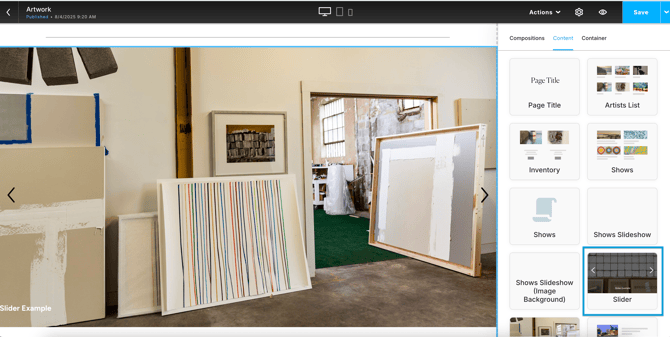
Add a slideshow of images to your website with a Slider block. You'll access the block on the Content tab of any website page.
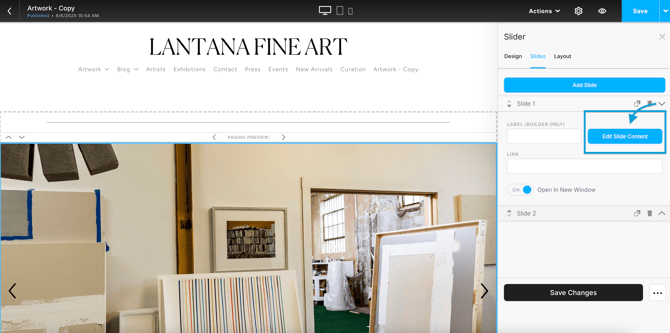
You'll manage the slides and the slide content under the Slides tab. To edit the content of an individual slide, expand the slide menu and click "Edit Slide Content"
Here's a quick walkthrough to build and customize a Column block:
Note: There's no slide limit on the Slider Block, but too many slides can cause performance and speed issues on your website.