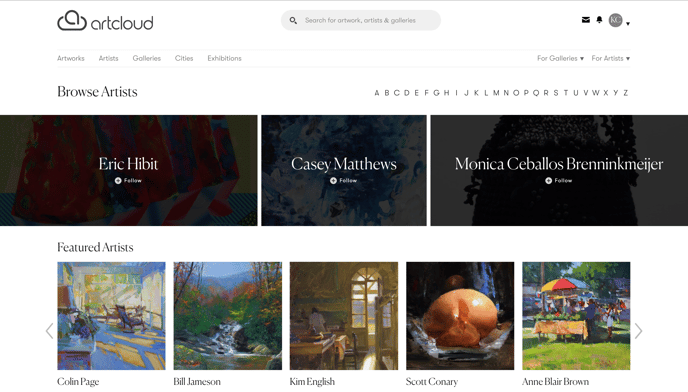
Opting into ArtCloud Marketplace
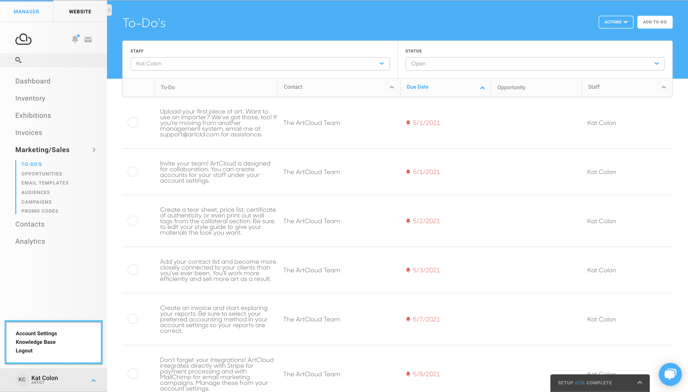
To opt into the Marketplace, first, go to your account settings. Click the button with your name at the bottom left of the page. Then click Account Settings.
After going to your account settings, go to the Marketplace tab and flip the On/Off switch on the right. You can also add a cover photo, enter information about your profile, and enable offers. 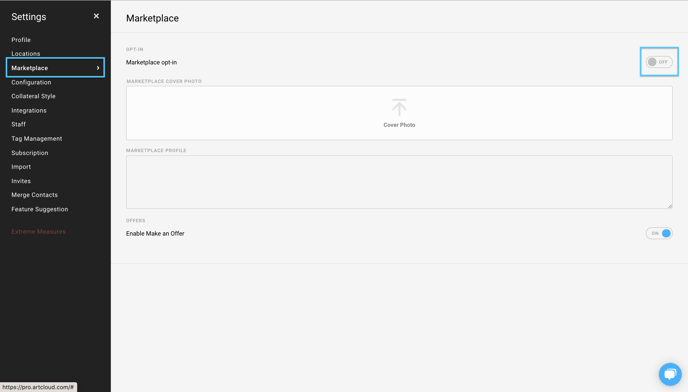
Find your Marketplace profile
So you've opted your gallery into the ArtCloud Marketplace, and you've opted in some art pieces as well, and you want to see how everything looks. You can do so by hovering your mouse over the ArtCloud logo in the top-left of your screen when logged into ArtCloud Manager or ArtCloud Website Builder:
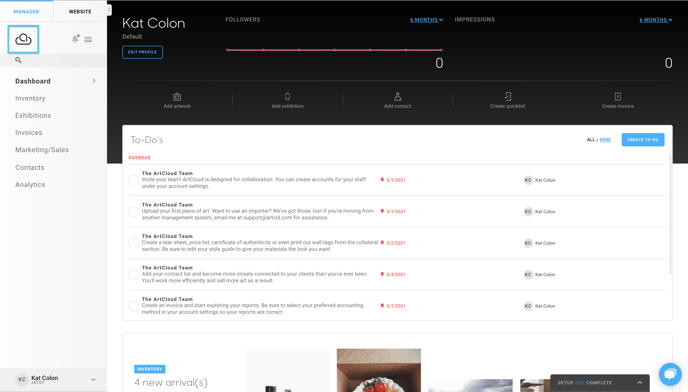
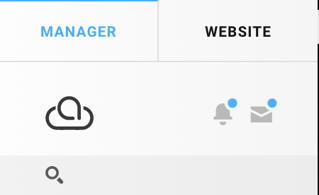
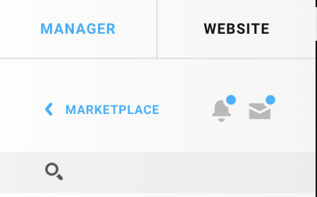
Then, you'll see your Marketplace profile.