
Quick Jump To Guide:
To-Dos
Shortcuts
Notifications
Activity Suggestions
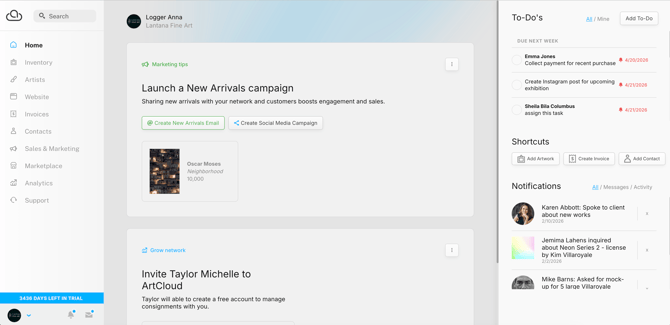
After logging in, you land on the ArtCloud dashboard. This dashboard displays an overview of account activity to help you stay on top of daily tasks.
To-Dos 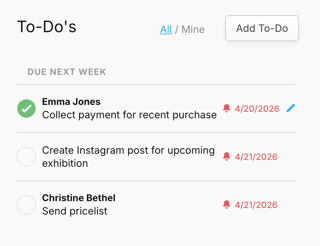
The To-Dos section shows upcoming and overdue tasks. You can
- Create and edit tasks
- Toggle between all users' To-Dos and your own
- Mark tasks complete
Learn more about To-Dos here: How to use To-Dos.
Shortcuts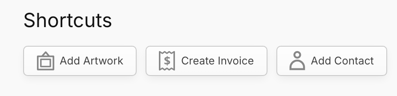
The Shortcuts section lets you quickly create new records for
- Inventory
- Invoices
- Contacts
Notifications
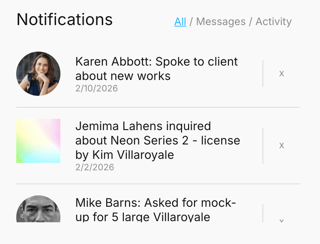
The Notifications section highlights recent messages and activity.
Messages include:
- Marketplace and website inquiries, offers, and purchases
- Subscription confirmations
Activities Include:
- Notes added to Contact and Opportunity Records
Click the X next to the item to clear the notification.
Activity Suggestions
The largest section of the ArtCloud Dashboard recommends actions based on recent account activity.
These suggestions can prompt you to
- Send New Arrival emails
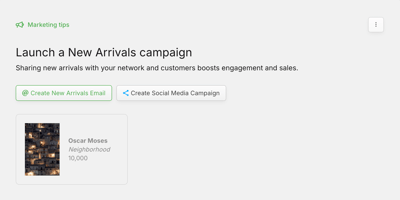
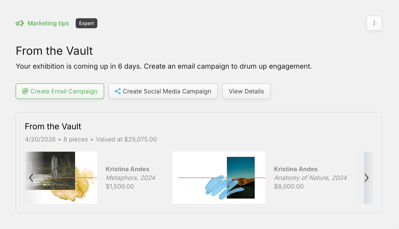
- Create an Email Campaign for any upcoming exhibitions
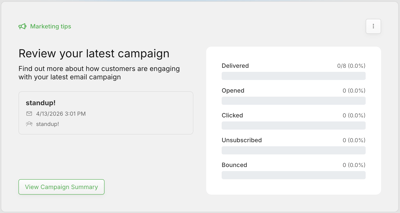
- Review Email Campaign performance
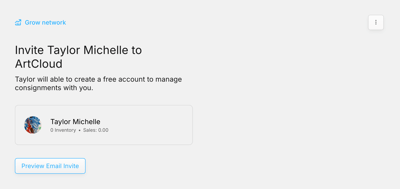
- Invite artists to ArtCloud (gallery accounts)
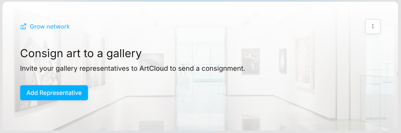
- Consign artwork to galleries (artist accounts)
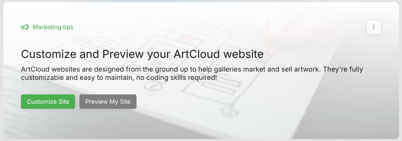
- Edit and preview your website
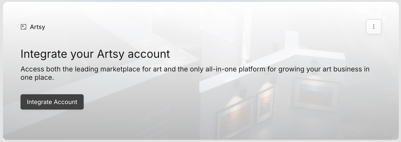
- Integrate an Artsy Account
- Import data
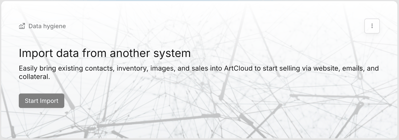
Use the three dots to clear the suggestion.