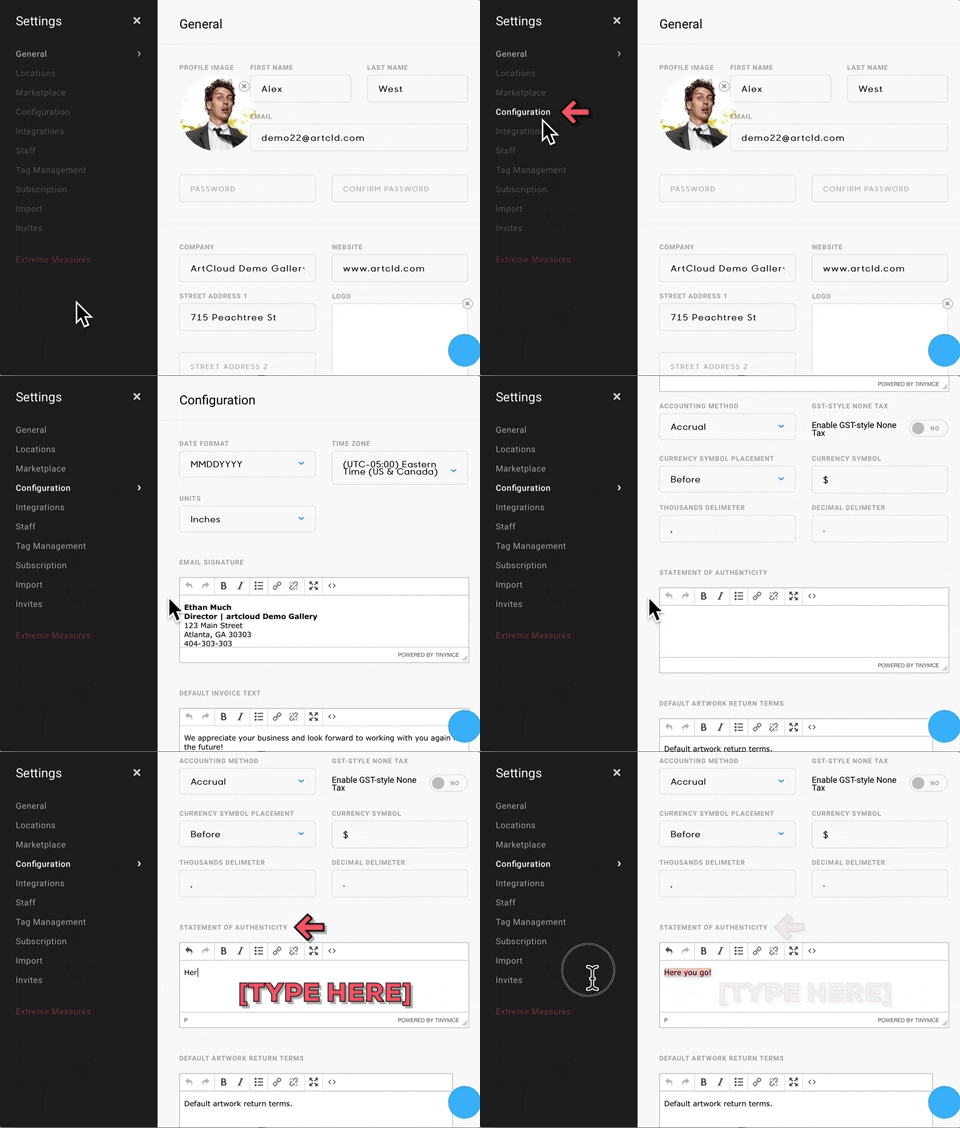
When generating Certificates of Authenticity, you may want to include your preferred Statement of Authenticity on the Certificates.
To set up your own Statement of Authenticity, head over to your Account Settings and look for the Collateral Style tab.
In the Collateral Style window, select Default Settings. Look for the field titled DEFAULT CERTIFICATE OF AUTHENTICITY TEXT and enter your verbiage there; this statement will now be included on all Certificates of Authenticity: