
Quick Jump To Guide:
What is Virtual Install?
How do I add Virtual Install to my website?
What is Virtual Install?
Note: The Virtual Install feature is only available at the legacy Pro Plus or new Expert Website subscription tier. Visit our pricing pages to see what features come with each subscription tier: Artists & Gallery.
If you'd like to learn about upgrading your account, you can reach out to Support.
Virtual Install lets potential buyers preview a piece in their space. A stock image presents the item by default, but user can upload their own image.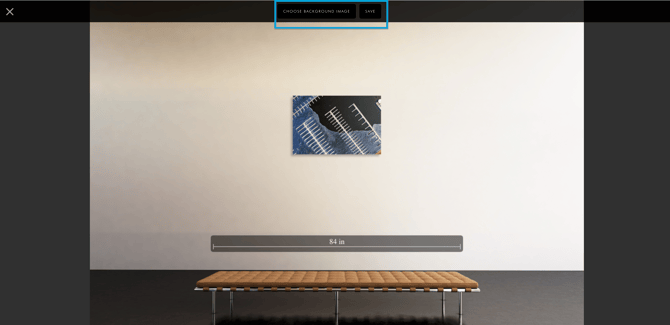
The Virtual Install option is automatically enabled on the ArtCloud Marketplace, regardless of subscription tier. Navigate to a piece on the Marketplace and click the Virtual Install button below the inventory image.
How do I add Virtual Install to my website?
Note: Virtual Install is available on the Inventory Detail template but not the Inventory Modal template. Be sure to set the Inventory List Block to Page.